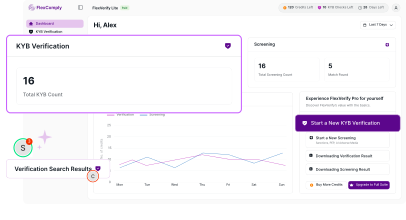
Use FlexComply to search businesses and review available identity, registration and status information. KYB verification uses global business registry and LEI data and is available on paid plans.
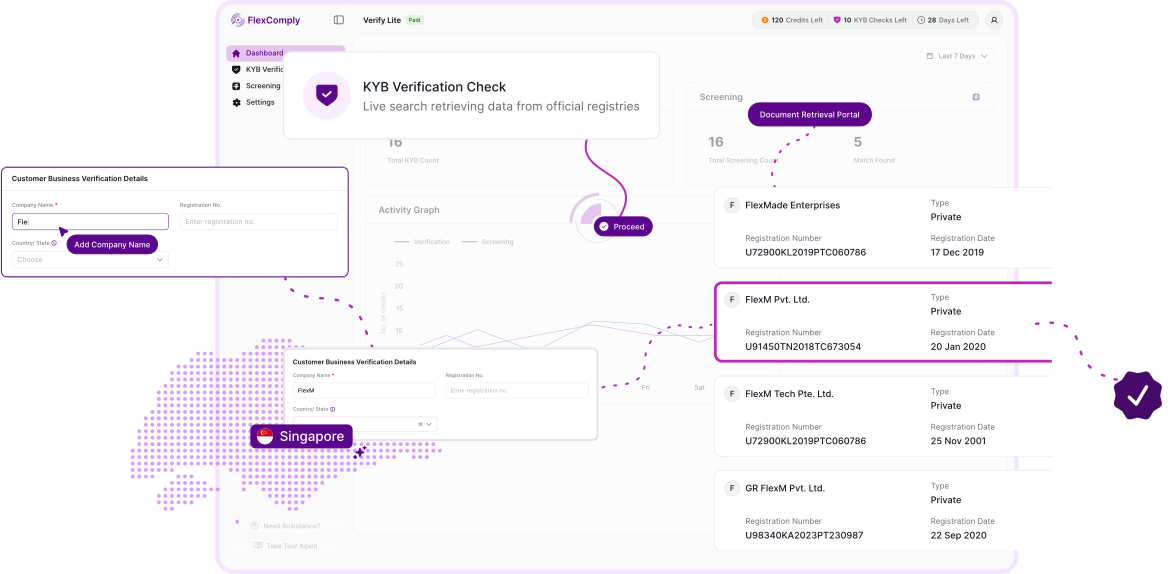

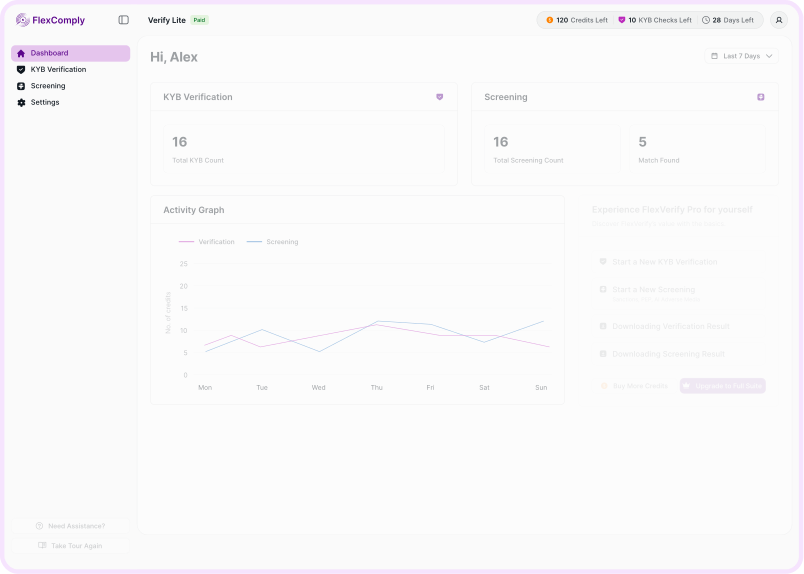



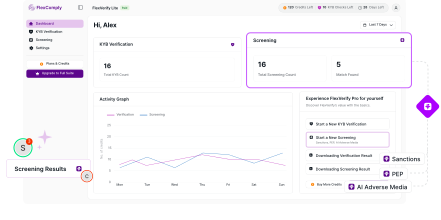
Business information can be difficult to review when it is spread across different sources. FlexComply provides a straightforward way to search for a business and review available business information from one dashboard.
1
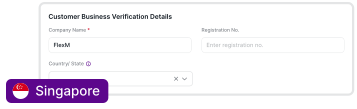
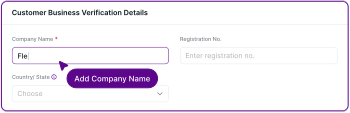
Search a business
Search for a business using the available company information.
2
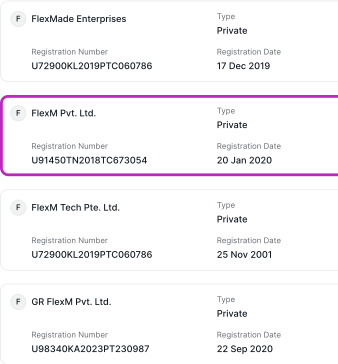
Review available information
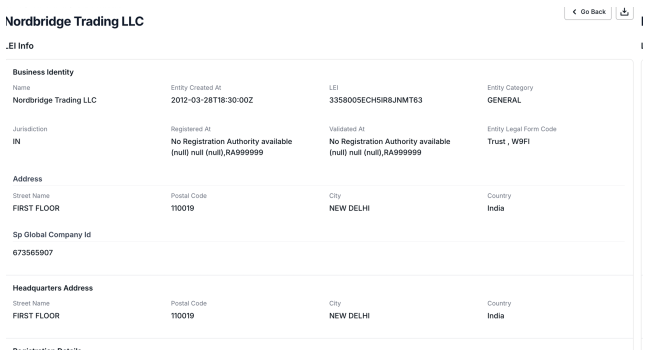
Review available identity, registration and status information.
3
Use global registry and LEI data
KYB verification uses global business registry and LEI data.
4
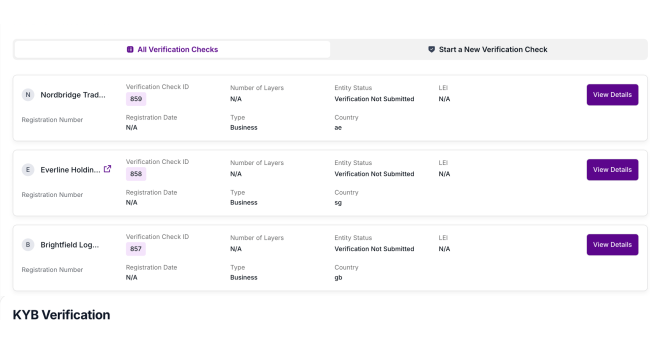
Keep verification activity organised
Track verification history and plan information from the dashboard.




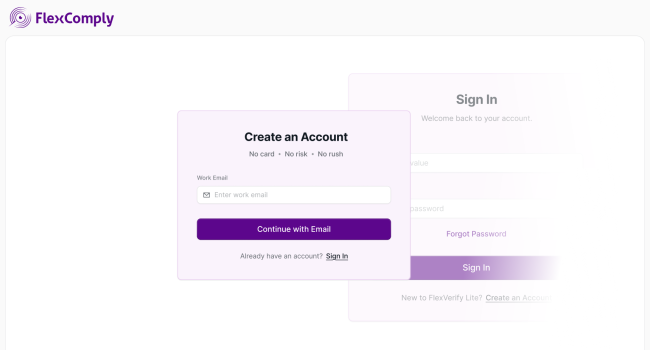
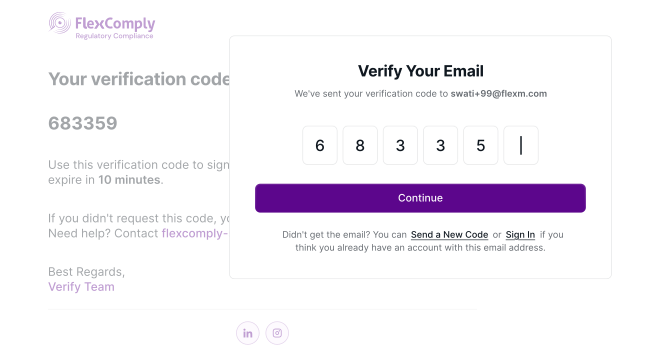
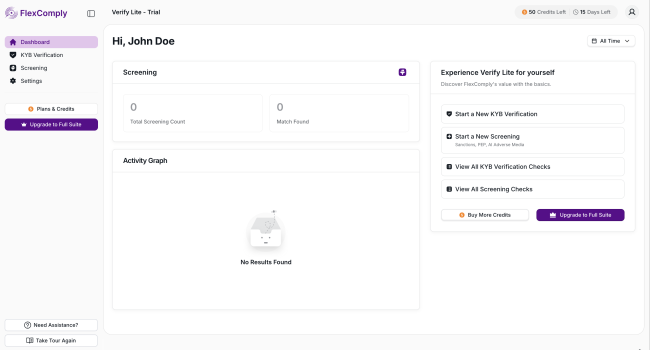
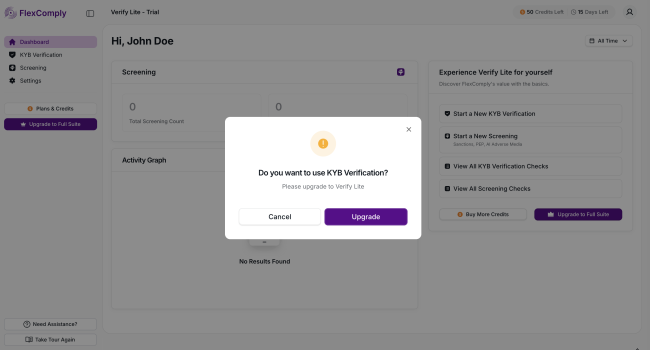
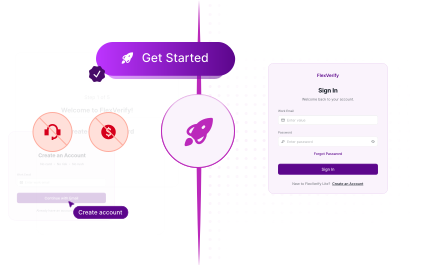
Begin with a free Sanctions-screening trial. KYB verification is available on paid plans.
Fintechs
Screen customers and verify businesses without an IT project.
Financial institutions
Sanctions, PEP and Adverse media screening in one dashboard.
Compliance teams
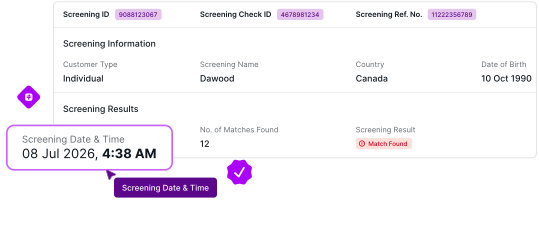
Time-stamped records for every check you run.
Risk teams
Review every match with the evidence in front of you.
Businesses that screen customers or counter parties
Individual and business screening from the same place.
Companies that need practical business verification
KYB verification with no annual contract.